Simple Drift Controls Cheatsheet
PC bindings at a glance — e-brake, 2-step, camera, HUD, and utility keys.
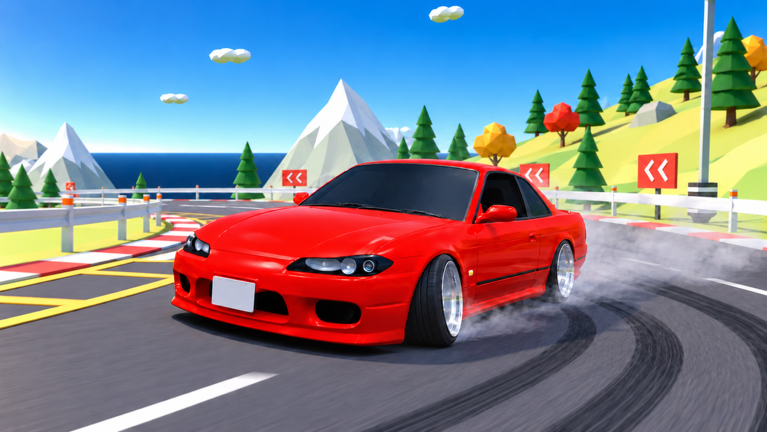
Keep this cheatsheet beside Simple Drift while you learn. For full technique, mobile notes, and longer drills, use the Controls Guide. For the broader tools index, return to the Tools Hub.
PC bindings (complete)
| Key | Action | One-line tip |
|---|---|---|
| W | Throttle | Build speed before you initiate |
| A | Steer left | Turn in, then countersteer |
| S | Brake / reverse | Slow the entry; do not ride it mid-slide forever |
| D | Steer right | Mirror of A |
| Space | E-brake | Tap to break traction; avoid panic holds |
| Q | 2-step | Pulse to keep the rear alive in a drift |
| E | Exit | Leave the car for menu / reset mindset |
| M | Maps | Jump between the nine layouts |
| C | Camera | Cycle chase ↔ first-person |
| U | Hide HUD | Clean focus / clips |
| H | Horn | Light tandem communication |
| G | Home | Fast recover after a bin |
| L | Lights | Night touge and night city |
| N | Radio | Optional grind soundtrack |
2-step + e-brake mini card
- Approach with speed.
- Steer in.
- Tap Space to free the rear.
- Countersteer.
- Pulse Q while managing throttle.
- Release and exit clean.
If you spin, you held Space too long, added too much power, or pulsed Q without countersteer. Fix one variable at a time. Tuning help: Car Tuning.
Camera / HUD quick intents
| Want… | Press |
|---|---|
| Learn inputs with road context | C until chase cam |
| Immersive night cabin | C until first-person, L for lights |
| Screenshot kits / strobes | U to hide HUD |
| Return to score focus | U again to show HUD |
Utility keys during a session
- M — swap maps when crash rate kills your farm (Maps)
- G — stop limping a ruined line; reset and go again
- E — hard context switch back to garage decisions (Tier List)
- H / N — optional flavor; mute yourself socially if the server is serious
Mobile / console reminder
Actions match; buttons differ. Learn the action names on this sheet, then find the on-screen or gamepad control that performs e-brake and 2-step. Do not hunt for a literal keyboard Q on a phone.
10-minute sheet drill
Map: docks
Car: free 3000GT or any stable mid chassis
Rules:
- Minutes 0–3 — only throttle, brake, steer.
- Minutes 3–7 — add Space initiations, no Q.
- Minutes 7–10 — add Q pulses on two linked corners.
- End with one judged attempt focused on cleanliness (Earn Cash).
Common mix-ups
| Symptom | Likely key / habit issue |
|---|---|
| Car grips mid-corner | Need Space tap or more angle tune |
| Constant spins | Less Space hold, less power, more countersteer |
| Blind at night | Press L; consider chase cam |
| Lost after crashes | Press G / home instead of crawling |
| Wrong layout for the drill | Press M |
Related pages
- Controls Guide — deep technique
- Getting Started — day-one order
- Tools Hub
- Guides Hub
- Players — horn manners in tandem
Pin this table, warm up on docks, then take the same inputs to touge when they feel boring — that is when they are ready.
Frequently Asked Questions
Quick answers to the most common questions.
What is the e-brake key?
Space on PC. Use short taps to initiate or tighten a drift.
What is the 2-step key?
Q on PC. Pulse it with throttle and countersteer to sustain a slide.
How do I hide the HUD?
Press U to toggle the HUD off and on.
How do I switch maps quickly?
Press M on PC to open map selection.
Where is the longer controls explanation?
See the Controls Guide under Guides for mobile notes, drills, and camera strategy.